
WashU Workday To Calendars
WUSTL schedule parser
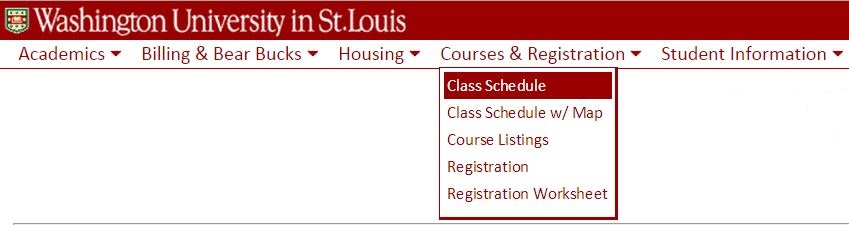
Once you've logged into Workday, open the Academic Hub and navigate to Planning and Registration, then select Current Classes.
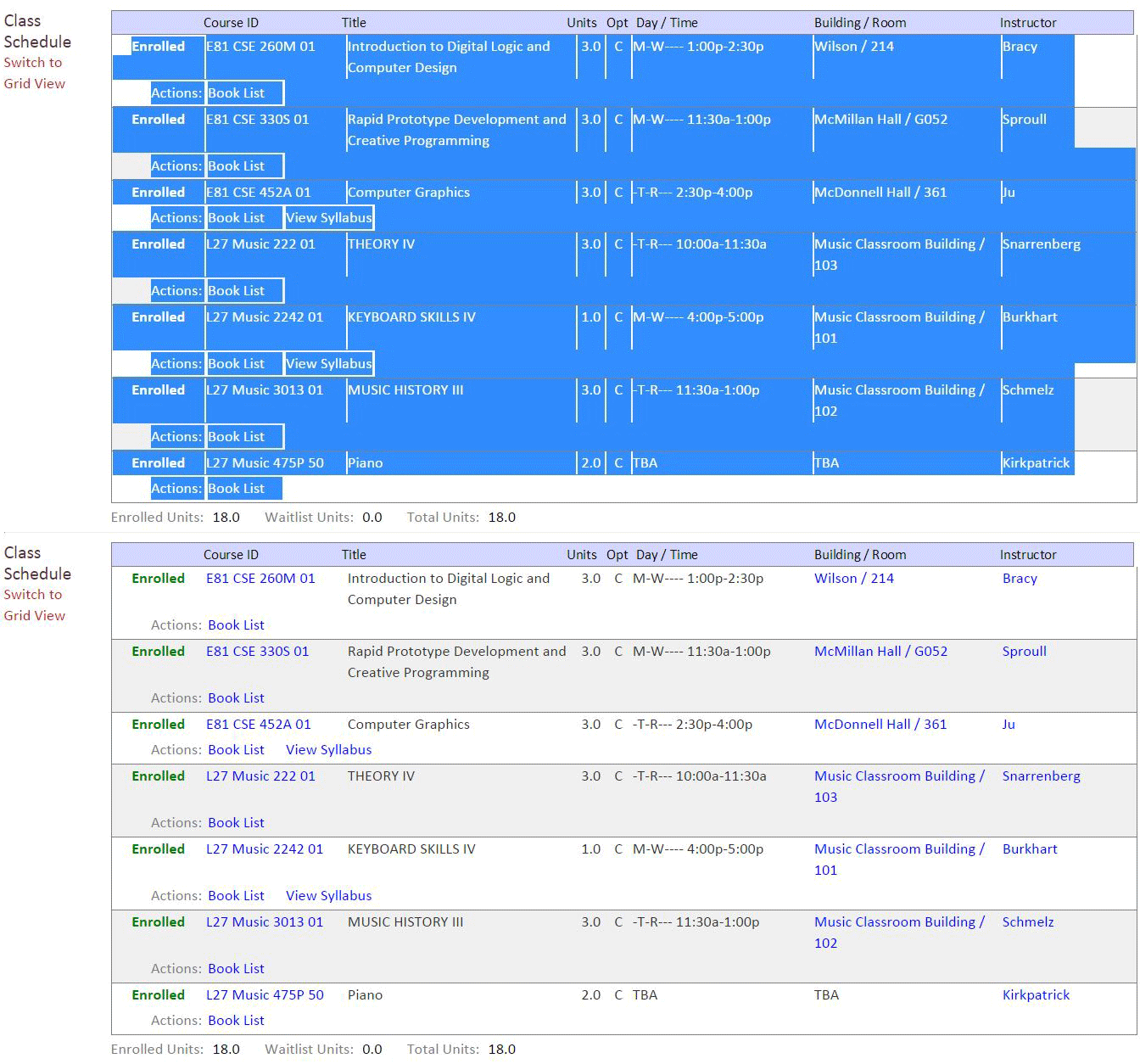
Easy way: select all ( Ctrl+A), and copy. Paste it all into the text box.
Important: make sure you copied your schedule in LIST view, not grid view.
Hi! Welcome to Workday to Calendar. This site is a successor to the iconic WebSTAC to Calendar tool that many WUSTL students have used over the years. I created this tool to help myself and any fellow WashU students to easily transfer their class schedules from Workday to their personal calendars. I hope you find it useful!
WashU Workday to Calendars is neither affiliated with Google nor Washington University in St. Louis. Click here for the privacy policy.